
A wedding photo deserves better than a folder on your phone. PerlerBeadAI converts a wedding portrait into a fuse bead pattern you can bead, iron, and frame — a handmade keepsake of the day, or a one-of-a-kind gift for the couple that no registry carries.
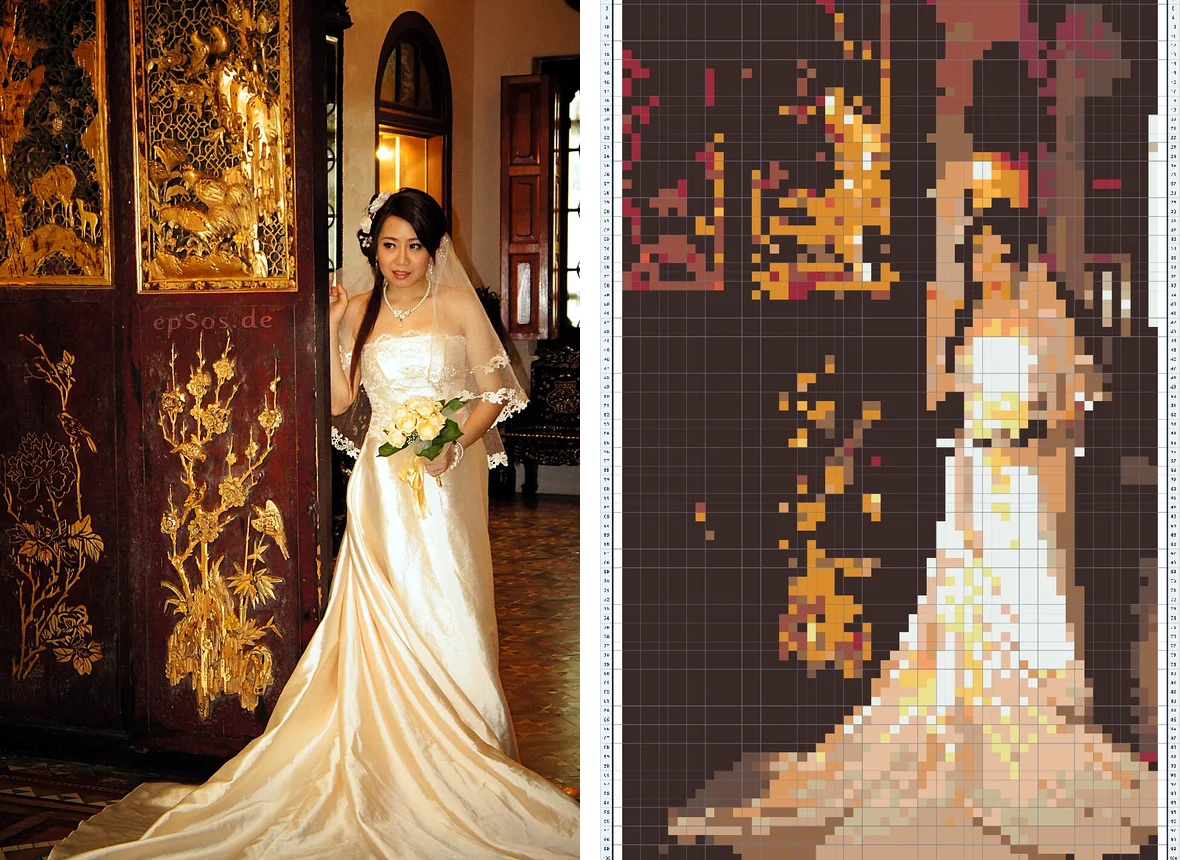
From wedding photo to framed bead art
1. Drop in the portrait. The photo is processed in your browser only — nothing is uploaded anywhere.
2. The wedding preset does the tuning. A wider 58-peg grid and an 18-color palette, so two faces, lace, and bouquet detail survive the pixel grid.
3. Export and bead. Print the pattern and the per-color bead list, then bead at your own pace.
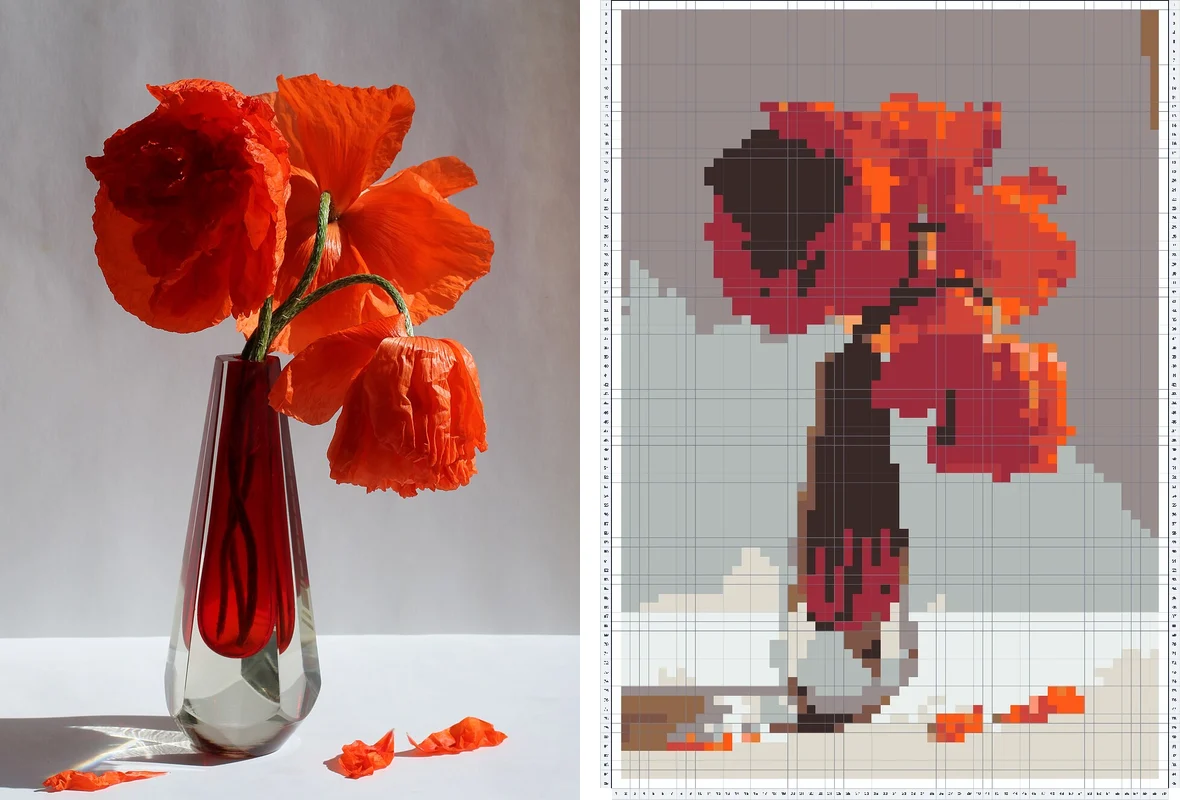
Picking the right photo
- Daylight or well-lit reception shots convert best; avoid heavy backlight.
- Crop so the couple fills most of the frame — every peg is a pixel of them.
- White dresses and dark suits are high contrast and read beautifully in beads.
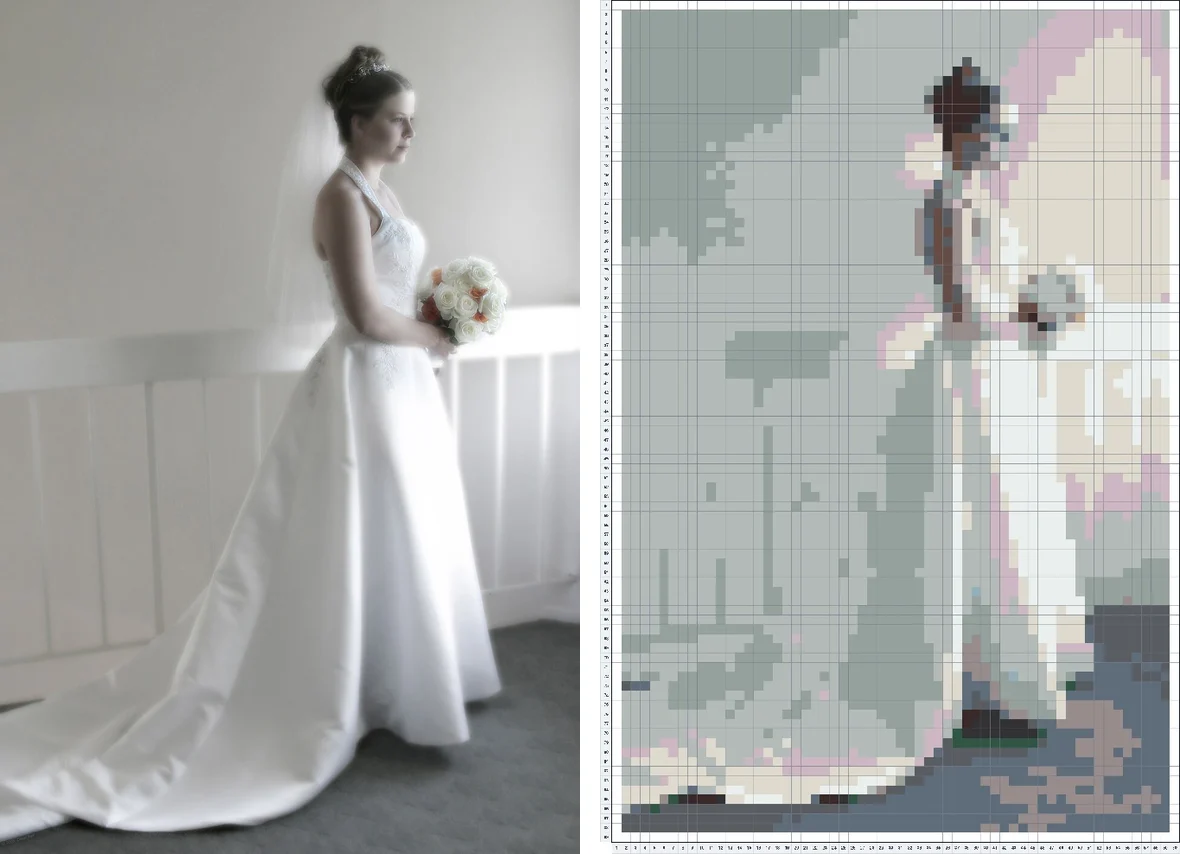
Two ways to make it happen
Beading it yourself? Open the free editor with the wedding preset already loaded and start from your own photo.
Giving it as a gift? Parents, bridesmaids, anniversary — a beaded wedding portrait lands differently. Premium adds high-resolution print export for large frames and multi-board pieces.
Your photo never leaves your device. Patterns are computed locally in your browser — nothing to upload, nothing we could keep.
Wedding pattern FAQ
How big is a wedding portrait pattern?
The wedding preset builds a 58-peg-wide grid — about 11.4 in (29 cm) across once ironed, using roughly 3,500–6,000 beads. Big enough for a real frame.
Will two faces still look like us?
Yes — that is exactly why the wedding preset uses a wider grid and 18 colors instead of the standard 14. Crop tight on the couple for the best likeness.
What can I make with the pattern?
A framed portrait for the wall, an anniversary or thank-you gift, table decor for the reception, or a keepsake for the parents of the couple.
Is my photo uploaded or used for AI training?
No. The conversion runs entirely on your own device, in your browser. We never see, store, or train on your photos.