
A bead avatar sits in a sweet spot: more handmade than a profile photo, more personal than a sticker. Drop in any portrait — a selfie, a headshot, even an old family photo — and PerlerBeadAI turns it into a cartoon-style bead avatar in about a minute. The grid, the colors, and the bead count are worked out for you.
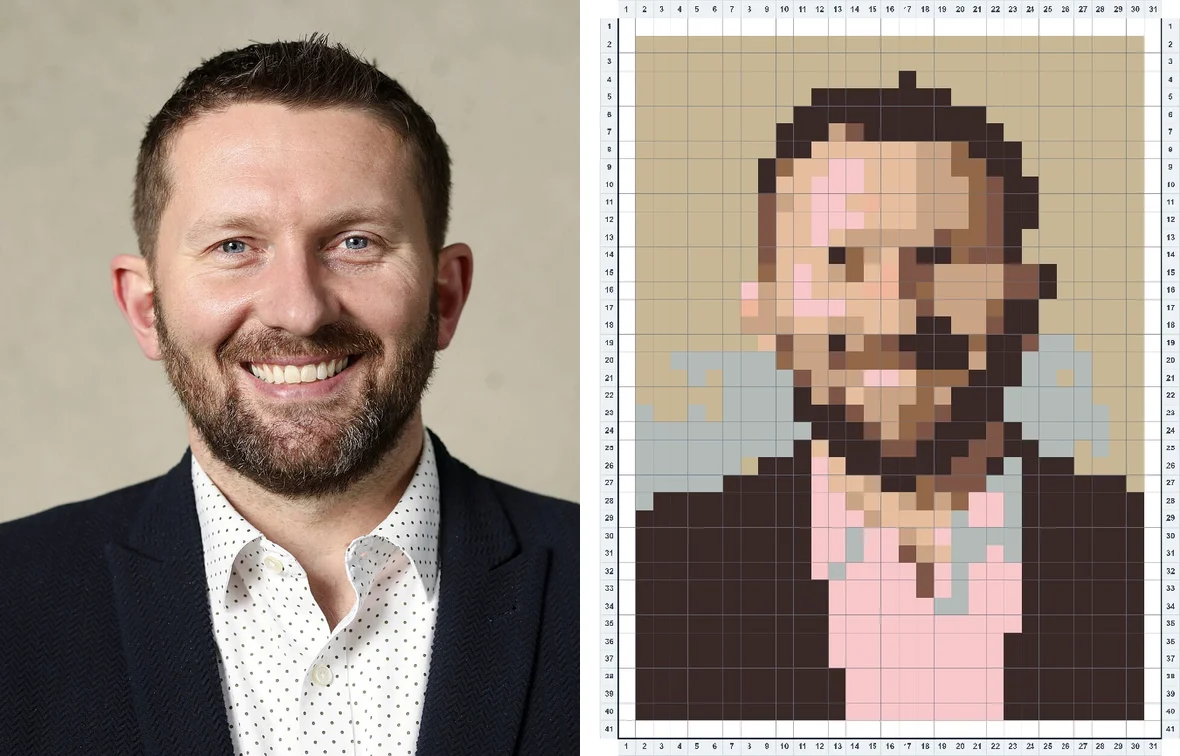
From portrait to bead avatar in three steps
1. Drop in a portrait photo. Nothing is uploaded — the pattern is computed right in your browser.
2. The avatar preset does the tuning. A compact 29-peg grid and a 10-color palette gives you the cartoon look: bold shapes, clean shadows, a face that reads instantly at icon size.
3. Export and bead. Print the pattern, grab the per-color bead list, and build your avatar on a single board.
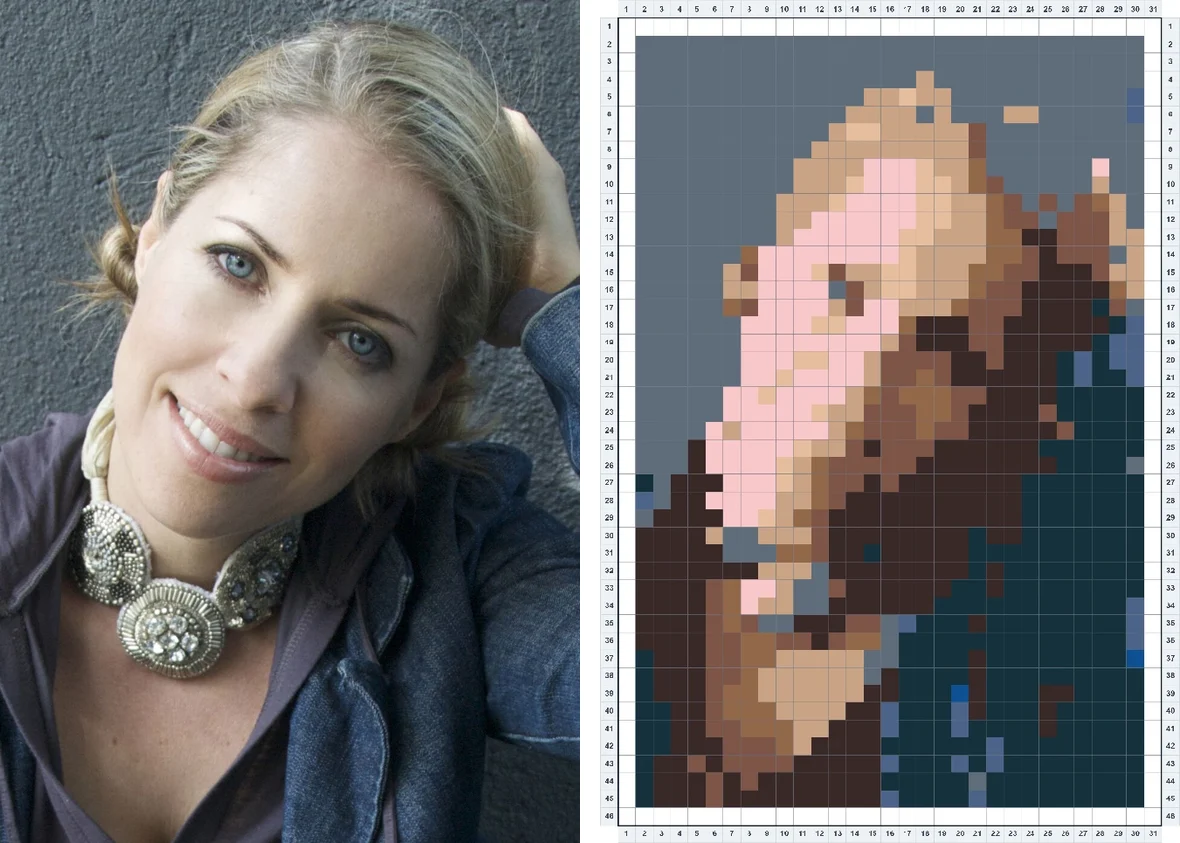
What makes a good avatar photo?
- Head and shoulders filling most of the frame — 29 pegs is cartoon territory, so keep the face big.
- Even lighting on the face. Strong side-light converts into dramatic shadows, which can be great — or muddy.
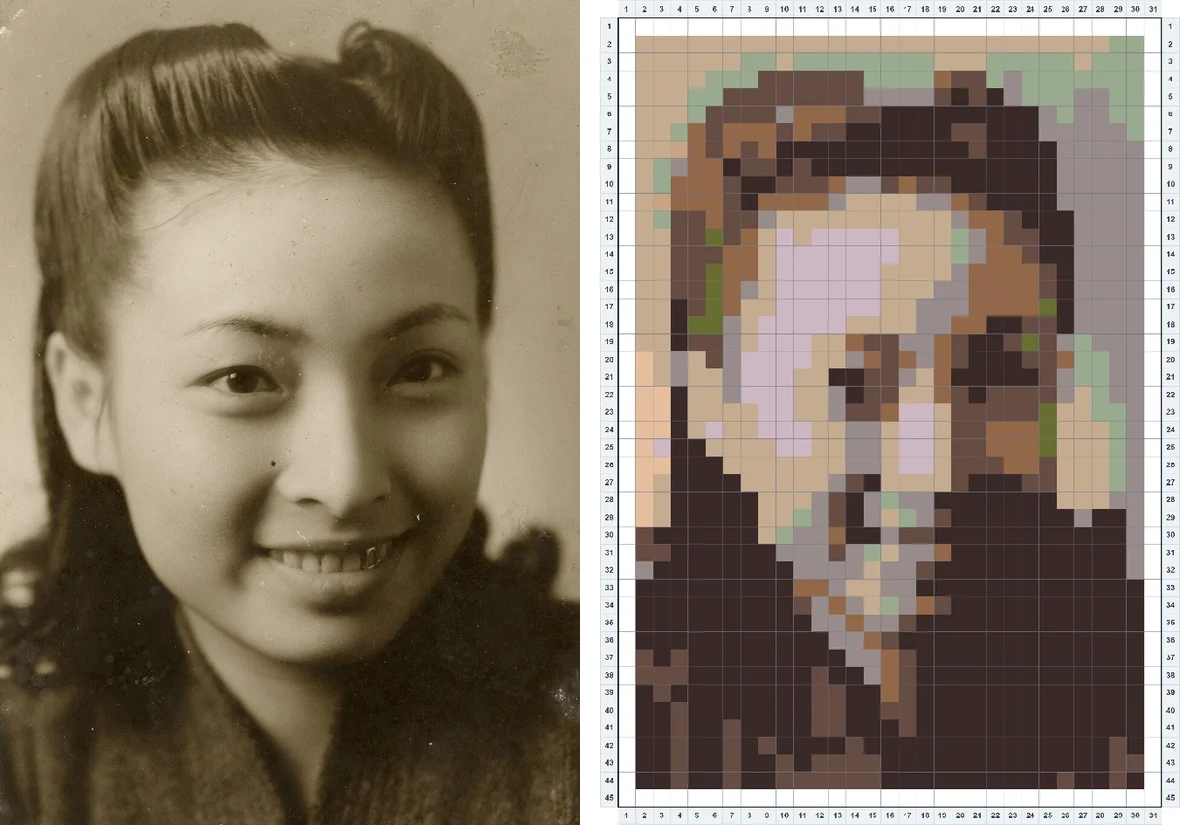
- Old photos work surprisingly well. Sepia and faded prints flatten into bold cartoon shapes.
One board, done in an evening
A 29-peg avatar uses roughly 700–900 beads and fits on one standard pegboard — most people finish one in a single evening. It makes a great keychain, fridge magnet, bag charm, or framed mini-portrait for a desk.
Your photo never leaves your device. Every pattern is generated locally in your browser — nothing to upload, nothing we could keep.
Avatar pattern FAQ
How many beads does an avatar need?
A 29-peg avatar uses roughly 700–900 beads across about 10 colors — usually less than one bag of each color. The usage list shows exact counts before you buy anything.
Will people recognize me in 29 pegs?
Expect “cartoon you,” not a photo copy. Hairstyle, glasses, beard, and overall vibe survive; fine facial detail does not. That stylized look is the point — it is what makes bead avatars charming.
Can I use it as my profile picture?
Yes — export the pattern as a PNG and crop to the bead grid for a genuinely unique avatar image, or bead it physically and photograph the result.
Is my photo uploaded or used for AI training?
No. The conversion runs entirely on your own device, in your browser. We never see, store, or train on your photos.